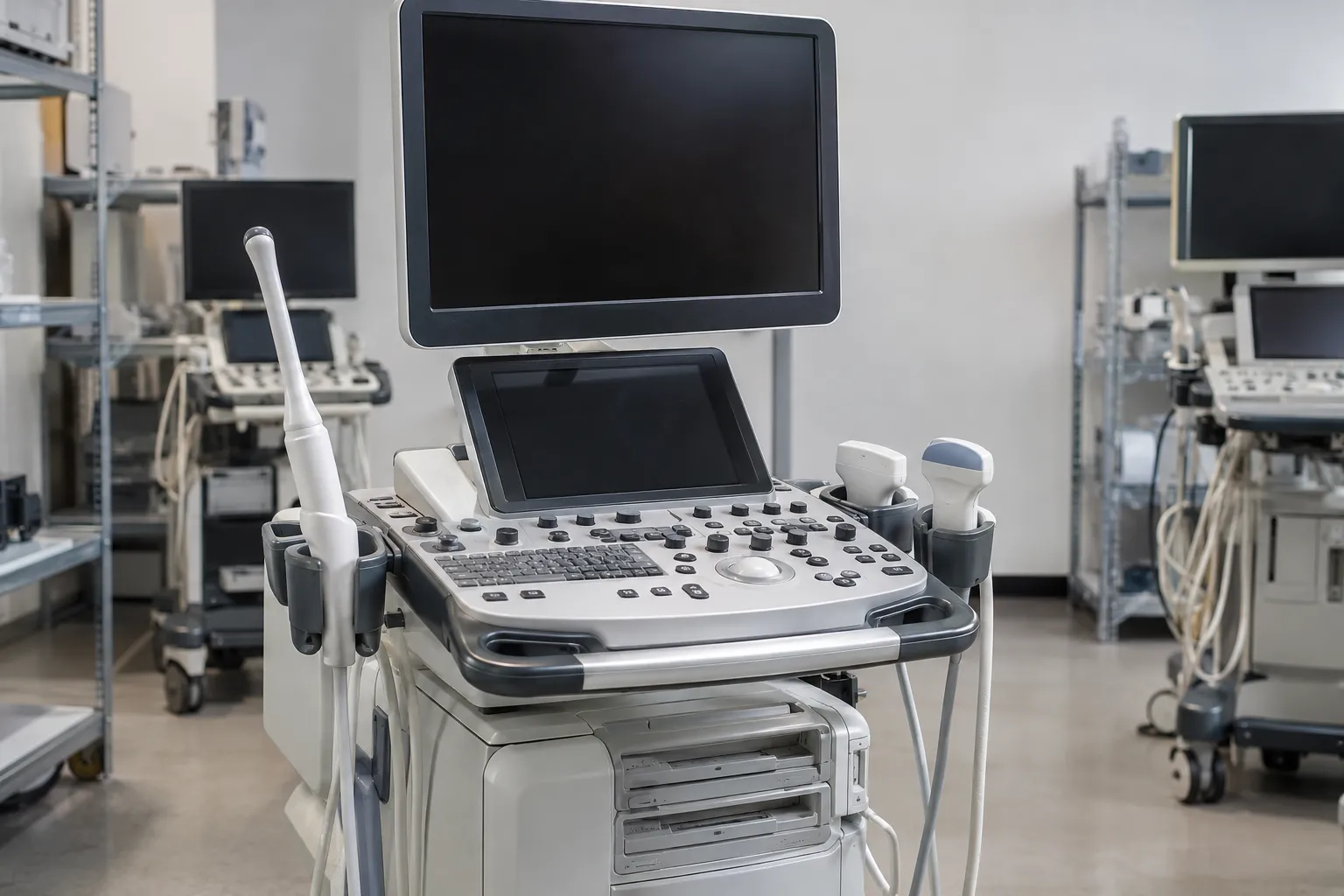
A used ultrasound machine is rarely won or lost on the console alone. In most cases, the practical decision is configuration. You need to confirm which probes fit that exact system, which software options are enabled on that exact unit, and how many probe ports you actually need in daily use. For compatibility, always confirm the probe part reference against the manufacturer’s compatibility list for that exact model and software version, and ask the seller to confirm it in writing against the unit’s serial number. Acceptance testing, calibration and clinical commissioning after delivery also remain your facility’s responsibility.
If you have already shortlisted one or two systems, this view is often more useful than another generic inspection checklist. Often, the console is not the real risk. Instead, trouble starts when existing probes do not fit, required options are missing, or staff must keep reconnecting probes during the day. You can compare available systems in EMTrading’s used imaging systems category.
Which probes will actually work with the system you are buying?
With a used ultrasound system, never assume compatibility. A familiar connector shape, product family or manufacturer name does not prove that a probe will work with that specific console. Therefore, match the probe part reference, the exact console model, the current software version and the system serial number against the manufacturer’s compatibility list for that exact combination.
Ask the seller to confirm that combination in writing. Ideally, request one list of the probes included in the sale and another list of the probes you plan to keep using. Then ask the seller to state that the check was carried out for that exact serial number.
For your enquiry, four items usually matter most:
- the exact system model
- the console serial number
- the current software version
- the part reference for each existing or planned probe
Also, do not stop at asking whether a probe “fits”. Ask which document supports that statement. The more precise the answer, the better. If you still need missing components, EMTrading’s spare parts and accessories for medical equipment category can be a useful starting point. Even so, it does not replace written confirmation for that exact model, software version and serial number.
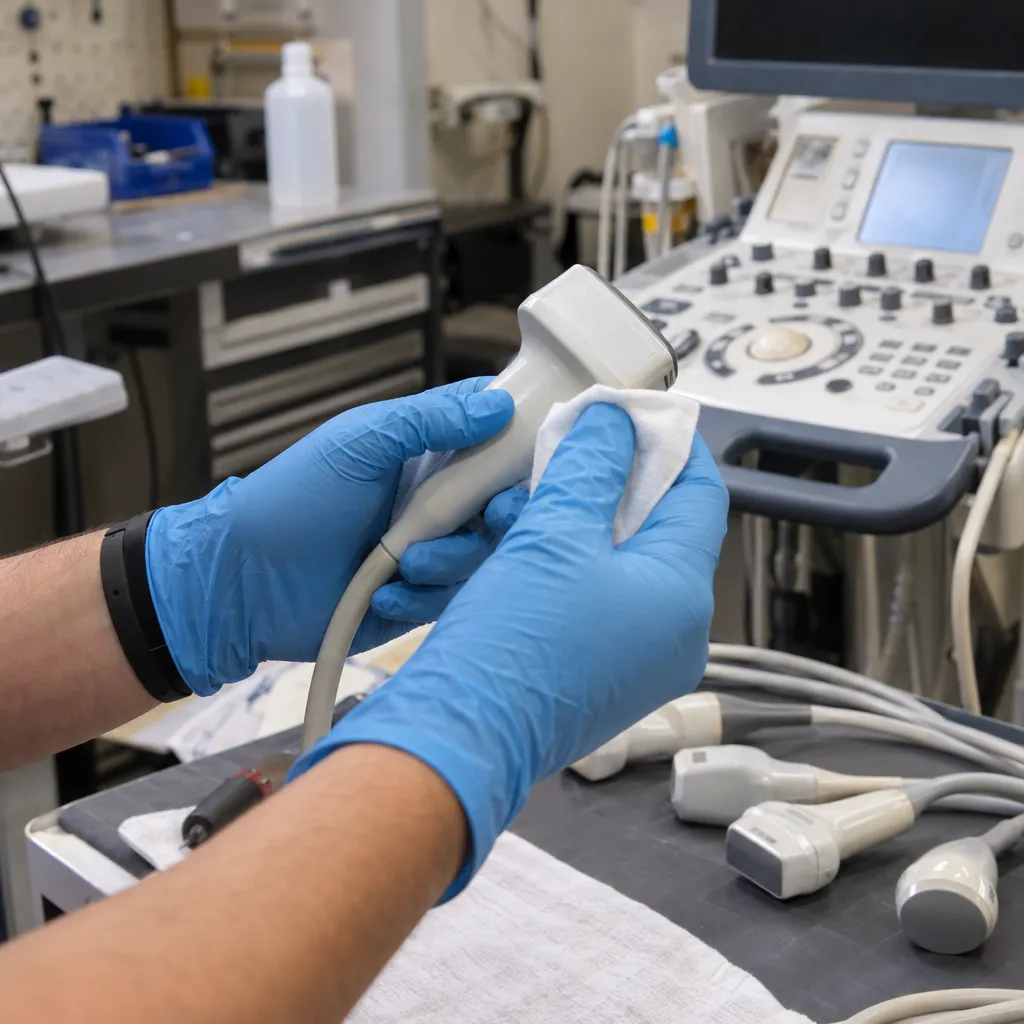
Which software options are enabled on that exact unit?
A used system does not cover your day-to-day work just because the model brochure looks right. Just as important as probe fit is the question of which options are actually enabled on the unit being offered. Two outwardly similar systems can differ in their active configuration. So, treat the exact unit in front of you as the only version that matters.
Ask the seller to show and document the system configuration on that unit. Request menu photos or, where available, an exported system overview. Then make sure those details appear in the quotation. Do not rely on wording such as “option available” or “supported by this model”. What matters is what is visibly activated on that console at the time of purchase.
Just as important, do not assume that a missing option can later be added, transferred or relicensed. That varies by manufacturer and must be confirmed in writing for that serial number before you buy. The documented software state on the actual machine is therefore a key buying criterion.
In practice, keep a must-have list of functions that need to be visibly enabled on the offered unit. Anything not clearly documented should be treated as absent. If you are planning purchases across several device types, EMTrading’s diagnostic and examination equipment category can also help you compare other systems in parallel.
How many probe ports do you really need day to day?
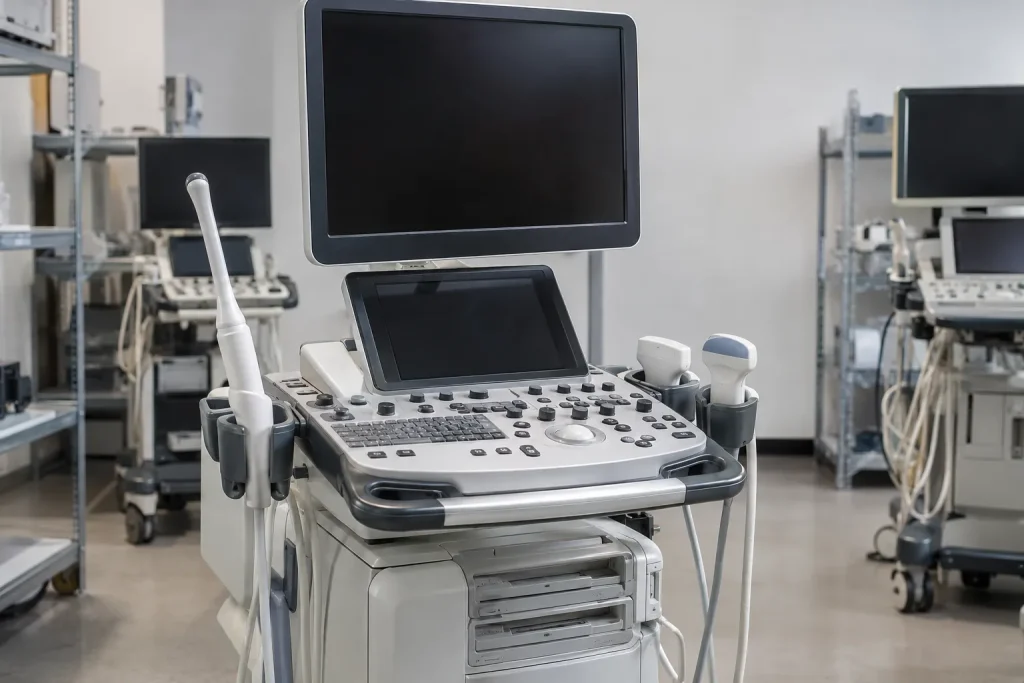
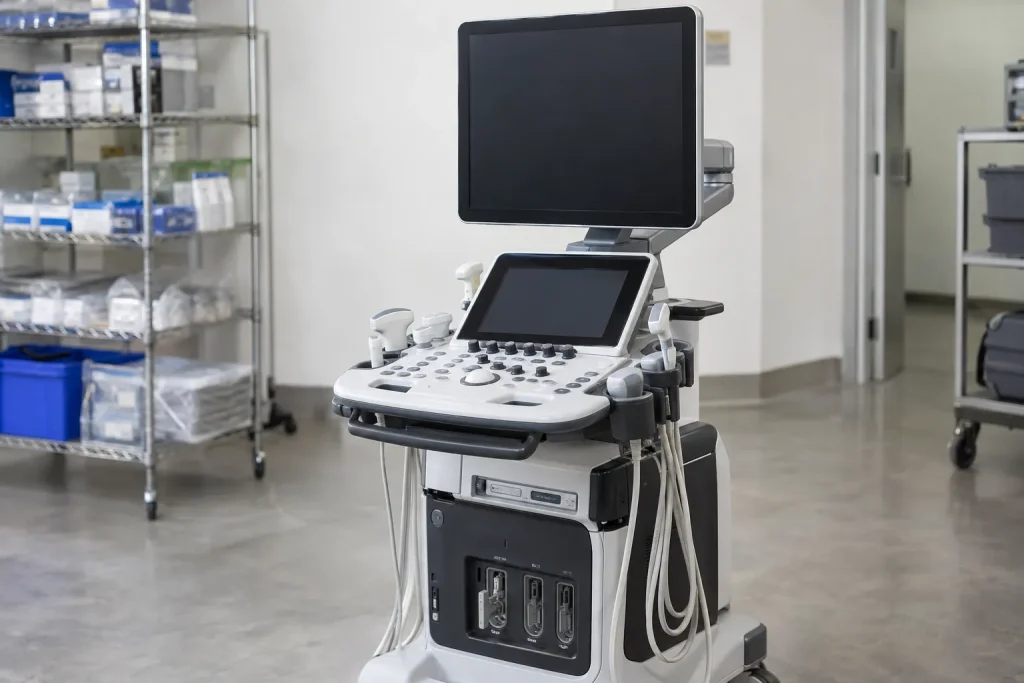
The number of probe ports can look like a minor line in a specification sheet. In daily operation, however, it affects workflow, setup time and whether the system matches your routine. So, instead of asking how many ports look ideal on paper, ask how many probes need to be ready at the same time during a normal day.
If your team switches regularly between several probes, the right number of ports can reduce reconnecting and interruptions. By contrast, if your setup stays stable most of the time, fewer ports may be enough. The key point is your real process, not the maximum configuration shown in a brochure.
Ask the seller for photos of the actual connector side of the offered system and compare those photos with the quotation. That way, you can confirm whether that exact console version provides the number of ports you need. Again, not every console in the same product family is equipped in exactly the same way.
A simple three-step check usually helps:
- Which probes must be available at the same time on a regular basis?
- Which probes are only needed occasionally?
- Which probe changes during the day waste time or disrupt established routines?
This approach helps you avoid a purchase that looks economical at first but becomes awkward in daily use because probes must be swapped too often. If you want to have existing equipment serviced or repaired, see the repair service page. Our guide to maintenance and testing of medical equipment explains how repair, maintenance and testing differ.
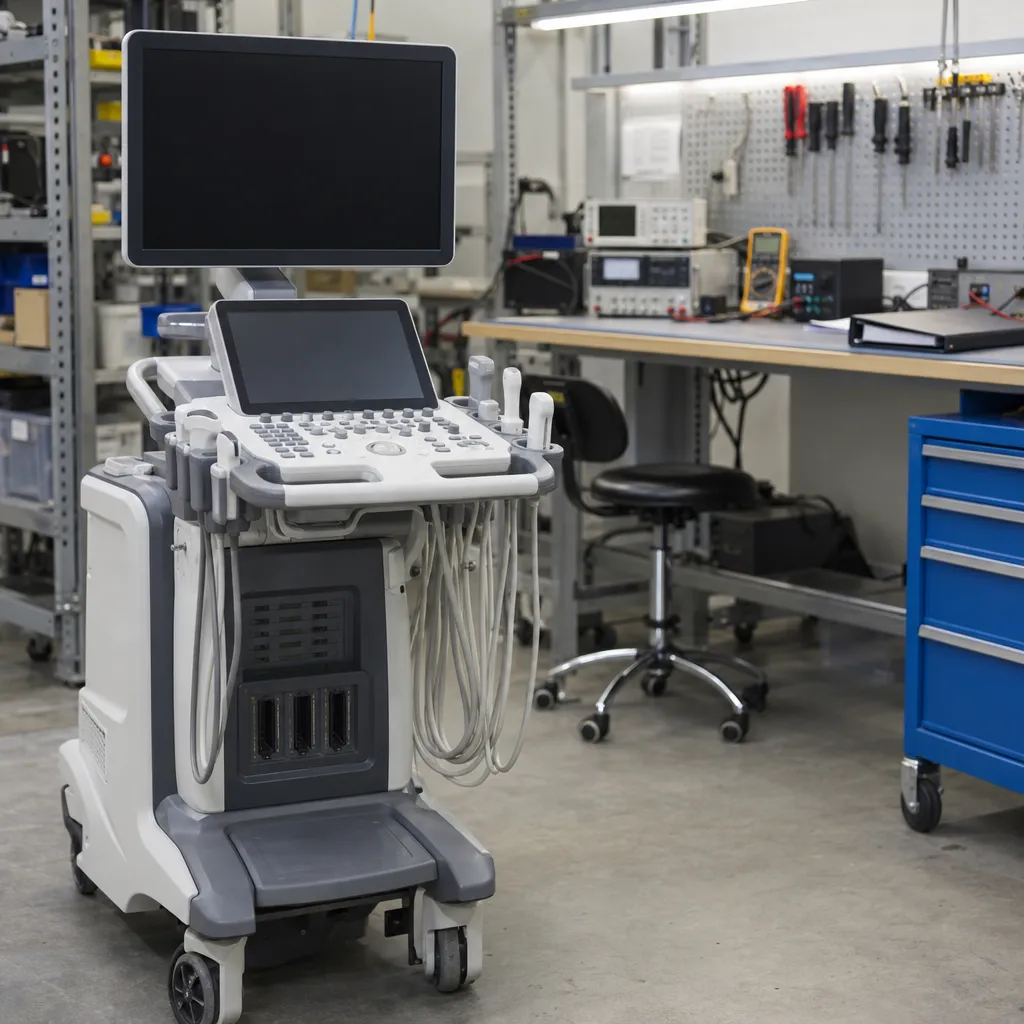
What does it cost to add missing probes and options later?
The short answer is that you should not leave this question until later. If probes or software options are missing at the time of purchase, the later add-on often becomes the real cost driver. That is not only about the purchase of an extra probe or function. It can also include sourcing time, availability, coordination with the manufacturer or service partner, internal delays and the possibility that the desired addition cannot be implemented as expected on that exact unit.
Therefore, split missing items into two groups before you decide. First, list the items without which the system does not fit your workflow. Those should be part of the offer. Second, list the additions that are only possible future requirements. For those, ask for written confirmation of whether a later upgrade can in principle be checked for that serial number and which documents would be needed. Do not treat assumptions as purchasing facts.
The same logic applies to accessories and replacement parts. Availability alone does not prove suitability for your specific system. Always base the sourcing on model and serial number.
That is why the clearest buying logic is often the simplest one. A low entry price can become expensive if you still need to source probes, verify options and work around port limits after delivery. On the other hand, a fully documented offer can be the more dependable choice even if the starting price looks higher.
Frequently asked questions about buying a used ultrasound machine
How do I know whether a probe fits my machine?
Match the probe part reference, the console model, the software version and the serial number against the manufacturer’s compatibility list, and ask the seller to confirm the result in writing.
How do I find out which options are enabled?
Ask to see the system overview of the offered unit, ideally as a photo or export, and have the options listed in the quotation. Treat anything undocumented as missing.
How many probe ports do I need?
That depends on your workflow: count how many probes must be ready at the same time on a normal working day.
Can missing options be added later?
This differs by manufacturer and can only be clarified for the specific serial number. Get written confirmation before you buy.
Who is responsible for acceptance testing and commissioning?
Acceptance testing, calibration and clinical commissioning after delivery are the responsibility of your facility.
In short: when you assess a used ultrasound system, start with configuration rather than cosmetics. Confirm probes by part reference, software version and serial number against the manufacturer’s compatibility list for that exact model, and get the seller’s written confirmation for the unit you are buying. Treat undocumented software options as missing. Plan probe ports around your actual workflow. That way, you are not just buying a console. You are buying a configuration that is more likely to fit your purchasing brief on day one.
Looking for a specific system? Send us your enquiry with the device name, the probes you need and the number of ports through our contact page.
Ratings and Reviews