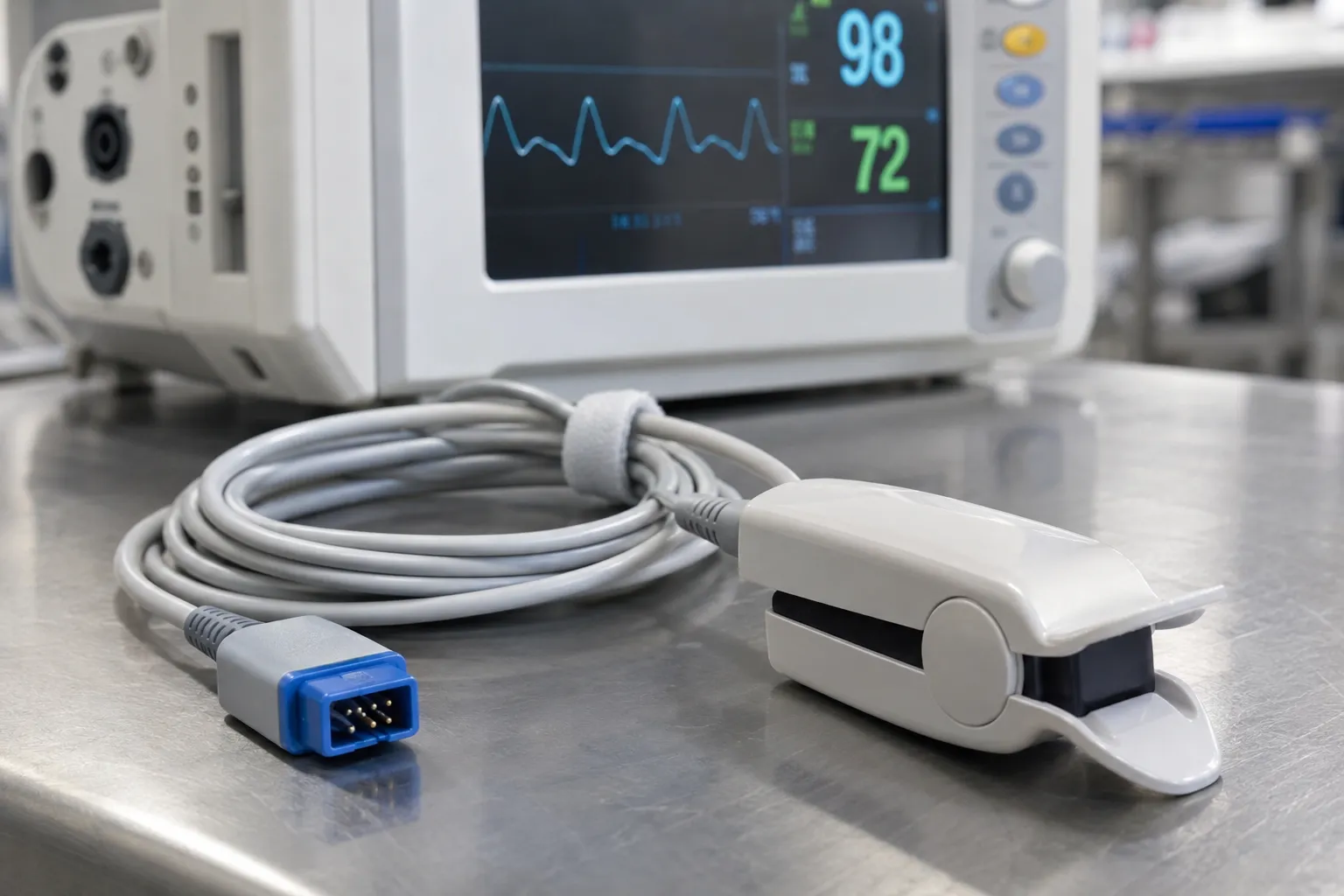
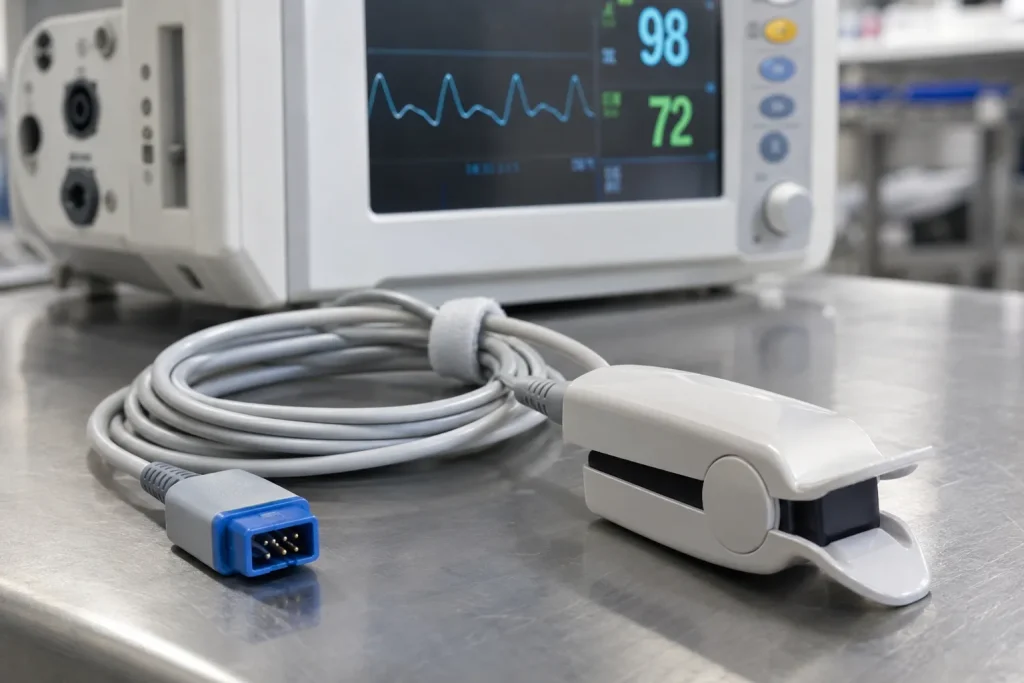
A pulse oximeter sensor is not something you should order by shape or brand name alone. For a hospital, clinic or service team that has just taken over a used patient monitor, the key details are the exact monitor model, the installed SpO2 module or option, the connector type, and often the reference number on the sensor or adapter cable. So before you order from a catalogue page, verify compatibility for that exact configuration. If you are comparing devices in patient monitoring equipment or looking for spare parts and accessories for medical equipment, start with a structured check of the unit in front of you.
Which Monitor Details Decide Which Sensor Fits?
You need more than the product name on the front of the monitor. In practice, the deciding factor is often the combination of device family, installed module and existing interface. Manufacturers use distinct sensor families and connector systems. As a result, a sensor that looks similar may still not fit electrically or at system level.
Before ordering, record at least these points:
- Manufacturer and exact patient monitor model
- Serial number and, if available, software version
- Name of the SpO2 module or measurement option
- Connector type on the monitor or on the intermediate cable
- Any existing reference numbers on the sensor, adapter cable or extension cable
That matters because manufacturers usually define compatibility by model, not in broad generic terms. For example, Dräger presents its pulse oximetry sensors for specific Infinity monitor environments and ties them to particular system combinations. In older instructions for use, certain modules are also linked to specific OxiMax sensors and named extension cables. Likewise, Masimo notes for some sensors that device compatibility should be confirmed with the monitor manufacturer for the exact device and sensor combination.
For purchasing teams, that means the name alone is not enough. “Masimo,” “Nellcor,” “Philips,” “GE” or “Dräger” may describe a sensor ecosystem, but not your exact match. If you acquired the monitor used, also check whether the original accessories are still present or whether an adapter has already been replaced at some point. Our guide to medical equipment spare parts availability shows how to check supply for a used unit.
Reusable or Single Use: Which Suits Your Usage Pattern?
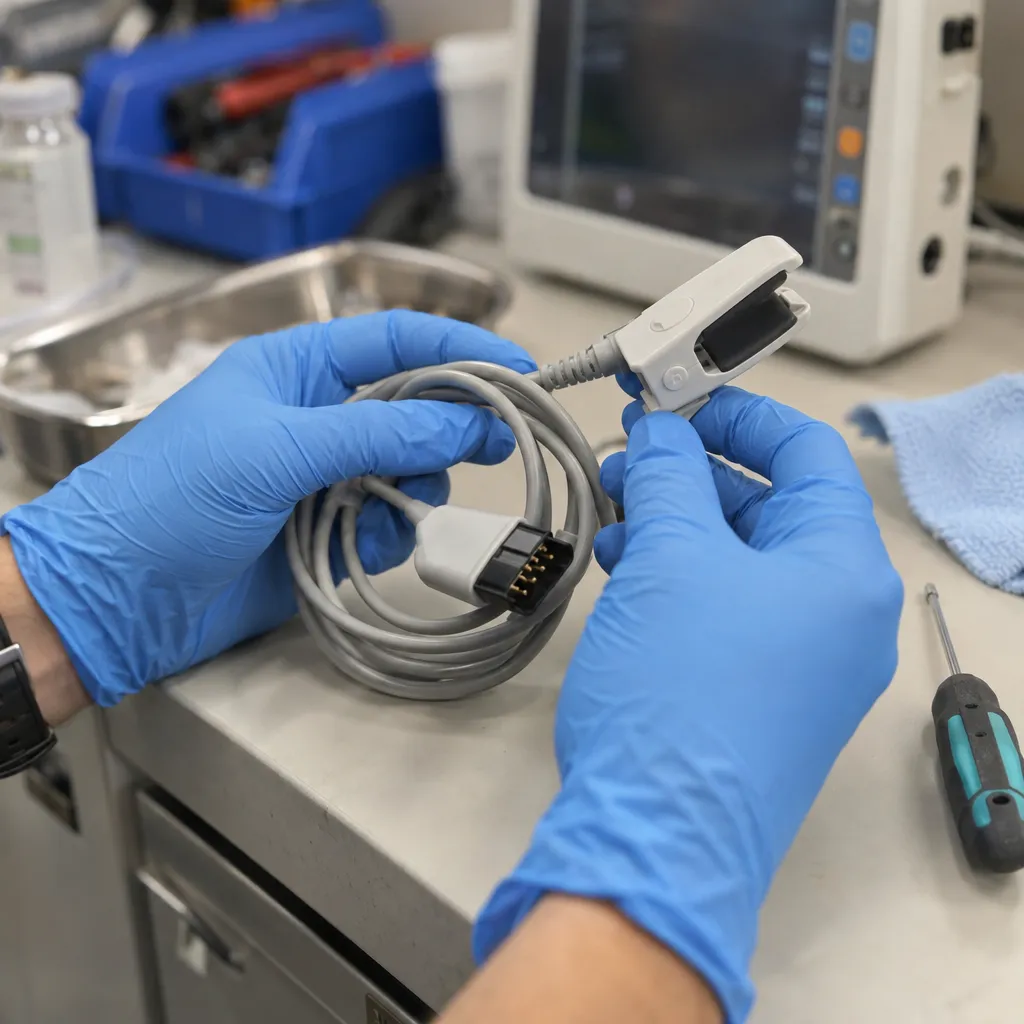
The second decision is not price first. It is workflow first. A reusable sensor can make sense if you have a stable installed base, defined cleaning processes and cable routing that stays consistent. Single-use sensors may suit facilities that buy by case demand or deliberately work with single-patient products.
However, that choice does not replace the compatibility check. A disposable adhesive sensor or a reusable finger clip still has to match the monitor, the module and, where required, the adapter cable. Philips marks adapter cable compatibility on some SpO2 products and links them to specified devices. Medtronic does the same for certain Nellcor products by tying them to defined technology platforms or compatible monitor families.
For procurement, these are usually the practical questions:
- Will the sensor be reprocessed for repeated use or managed as a single-patient item?
- Are you already working with an installed cable chain that should remain in service?
- Do you want to replace only the sensor, or also standardise adapter and extension cables?
- Do multiple departments need the same sensor type for the same monitor fleet?
If several wards use different monitor platforms, the risk of mix-ups rises quickly. Therefore, keep a short internal list with the monitor model, the matching sensor type and the corresponding reference number. That helps you avoid ordering a connector that looks right but is not approved for that system family.
How Do You Verify Connector Type, Adapter Cable and Length Before Ordering?
This is where most ordering errors happen. Teams often focus on the sensor itself and ignore the full cable chain. In many inventories, that chain includes the sensor, an adapter cable and sometimes an extension cable. If one link does not match, the order is of little use.
Check in this order:
- Monitor connection: Photograph the socket and the rating plate.
- Existing intermediate cable: Read the part number directly from the cable.
- Sensor connection: Compare not only the shape but also the reference number.
- Cable length: Order the length that fits the real bed space or trolley setup, not an estimate.
With used equipment, the original accessory set is often incomplete. Then someone orders a replacement from a picture even though the installed adapter belongs to another system family. Dräger documentation, for example, names defined extension cables for certain OxiMax modules. Philips documentation also points to adapter cable compatibility for some SpO2 sensors. Therefore, if you do not check the complete cable chain, your chance of getting the right part drops unnecessarily.
You should also document cable lengths properly. In recovery areas, crowded bed spaces or functional rooms, cable length is not just a convenience issue. It affects daily handling. So do not order something that seems roughly suitable. Measure the setup at the bed, stand or trolley and order to that measured requirement.
If you buy accessories for several device families, label incoming goods immediately with your own stock identifiers. That reduces later confusion between sensors and cables that look almost the same.
What Should You Ask the Supplier to Confirm in Writing?
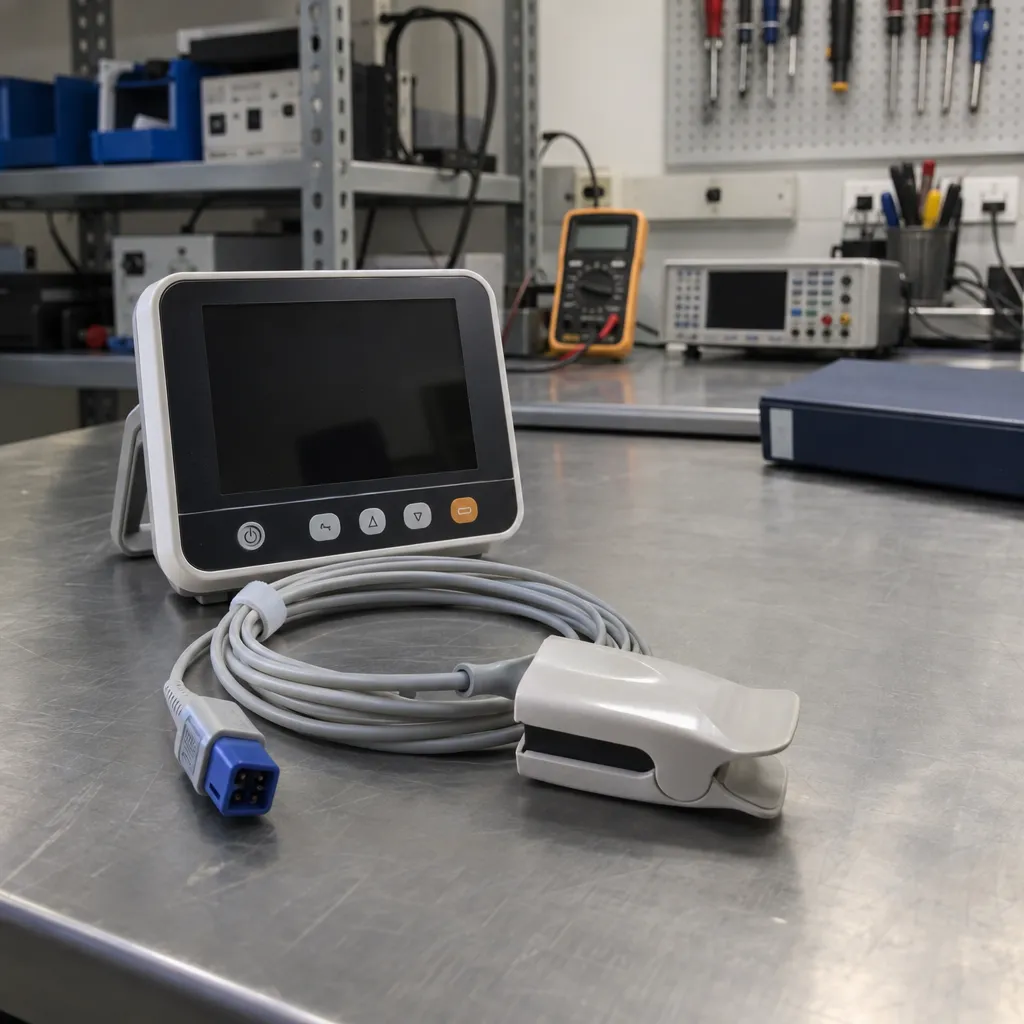
Before you place the order, ask the supplier to confirm the key details in writing. This matters especially when a listing says “compatible with” or “fits.” Do not accept a general statement. Ask for confirmation against your exact monitor model, module and requested reference number.
Ask the supplier for these points:
- The exact manufacturer reference number of the sensor
- The exact reference number of the adapter cable and extension cable
- Confirmed compatibility with your monitor model
- Any limitation related to module or software version
- The condition of the offered part if it is used or refurbished
- The return policy if the stated match proves incorrect
It also helps to send photos of the rating plate, socket, existing cable and any old part number. That lowers the risk of misunderstanding. If you cannot identify a reliable reference yourself, the supplier should verify the assignment against manufacturer lists or technical documentation. One useful external starting point is the Dräger overview of pulse oximetry sensors.
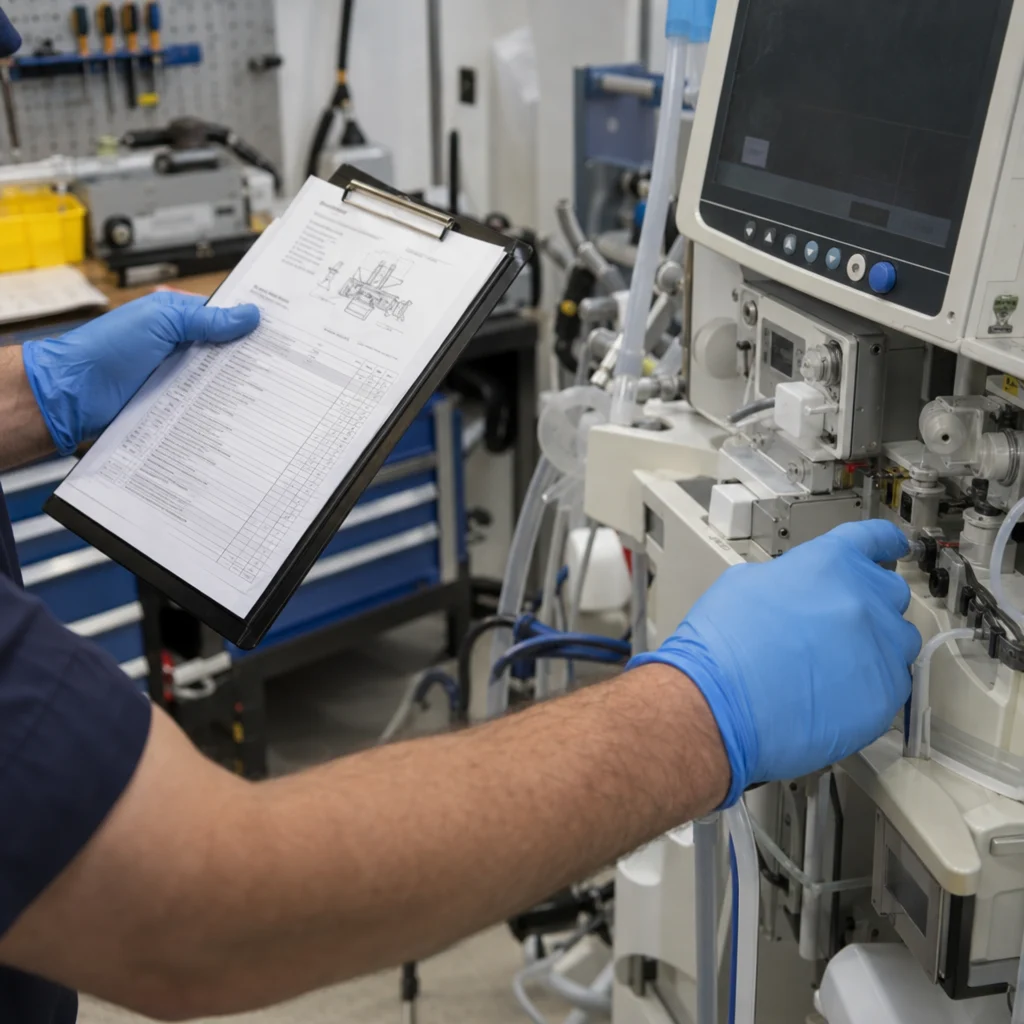
Even then, the responsibility for incoming inspection, functional testing and clinical commissioning remains with the buying facility. That applies to sensors, adapter cables and extension cables alike. A supplier can confirm the formal match. Your own technical check in your own inventory still remains necessary.
If you are missing references or your monitor comes from a mixed installed base, send the available details through the EMTrading contact page. The most useful information is the model name, serial number, photos of the connectors and every number that is still readable on the sensor or cable. If the monitor still reads unreliably with a matching sensor, our repair and maintenance service can check the device.
Practical Summary for Purchasing
Do not order a pulse oximeter sensor by brand name or connector shape alone. First check the monitor model, SpO2 module, connector type, adapter cable and reference numbers. Then decide whether a reusable or single-use sensor fits your workflow better. Finally, get the assignment confirmed in writing and inspect incoming goods in your own facility. That approach helps reduce wrong orders, returns and unnecessary downtime in patient monitoring.
Ratings and Reviews