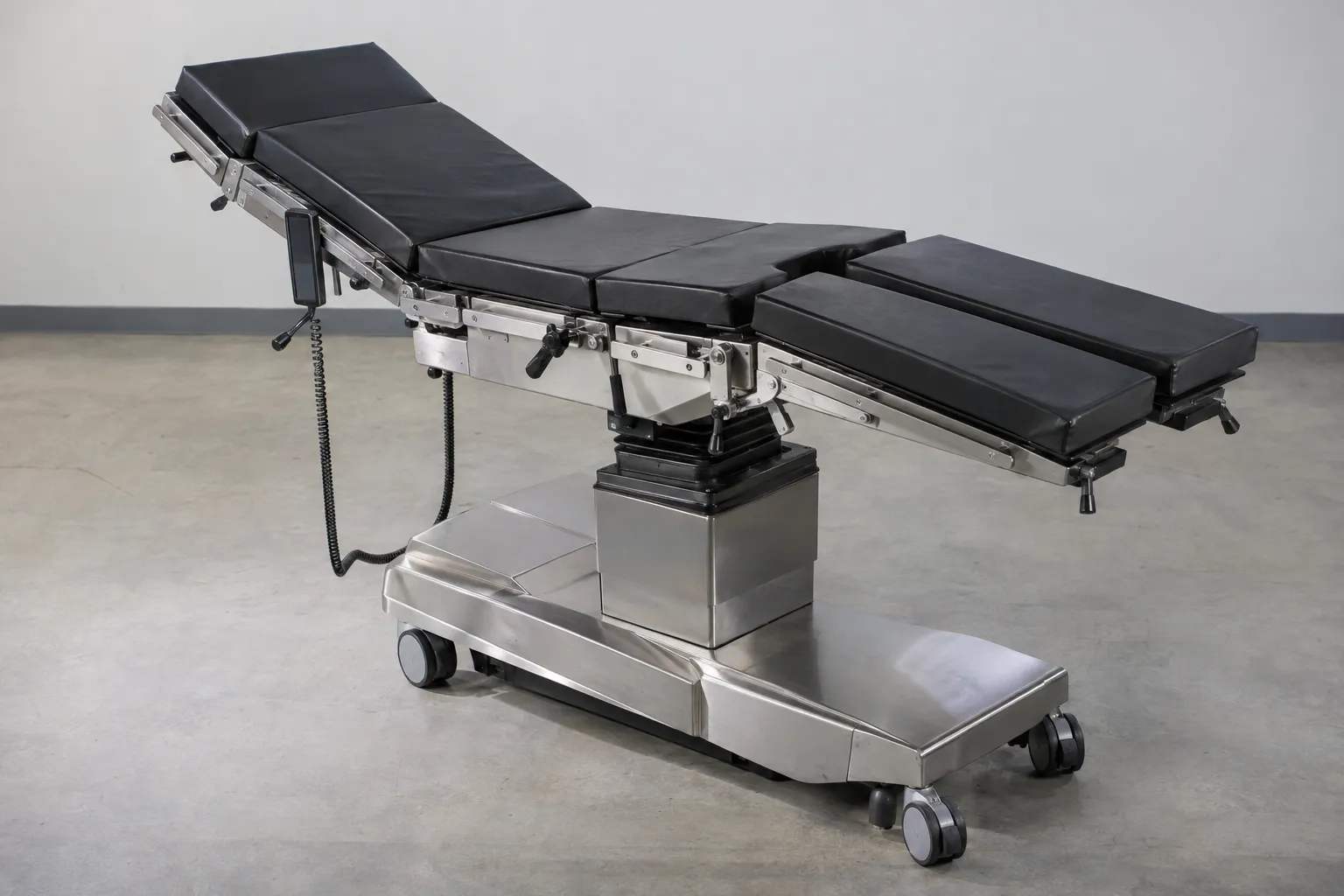
If you are comparing types of operating tables, start with the table class before you compare individual listings. In practice, the brand name is rarely the first decision point. What matters more is whether your room needs a general table, a specialty-focused system or an imaging-compatible table, and whether the exact model supports the accessories and positioning range your facility requires. Only after that does it make sense to compare condition, included parts and refurbishment scope. For a broader market view, see available used OR equipment, used surgical devices and the full used medical equipment catalog.
What are the main types of operating tables?
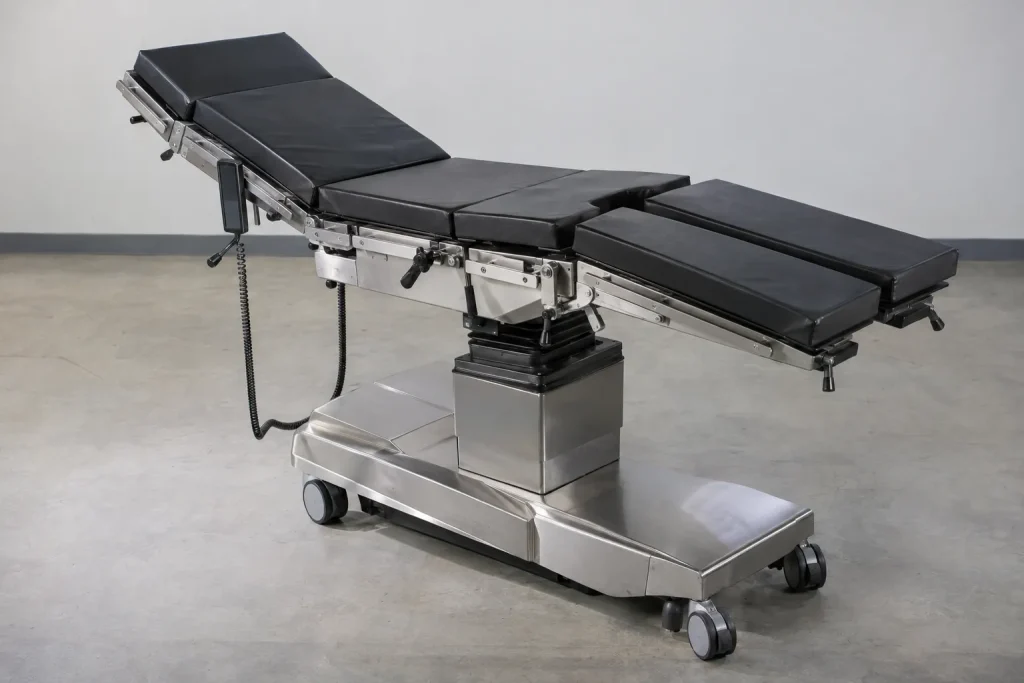
For procurement, the market can usually be sorted into three practical groups. First, there are general operating tables for a broad range of standard room workflows. These are often the right starting point when one room handles mixed schedules and no strong specialization drives the purchase.
Second, there are specialty tables or specialty-configurable systems. This group includes tables intended for specific disciplines through dedicated tabletop sections, positioning components or add-on modules. Here, the key issue is often not the base table alone, but the accessory ecosystem available for that exact model.
Third, there are imaging-compatible operating tables. With these systems, radiolucent tabletop area, C-arm access and usable imaging clearance become central. However, suitability always needs to be checked against the actual imaging system used in that room. General claims are not enough.
You will also see mobile and fixed-installation systems, as well as electrohydraulic and electromechanical designs. In addition, base and column construction vary by model. Still, those differences are secondary at the first buying stage. The bigger question is which of the different types of operating tables actually matches your workflow.
How do general, specialty and imaging-compatible tables differ in practice?
A general operating table usually makes sense when you need flexibility across changing room assignments. It covers many standard requirements without being tied to one discipline. As a result, it is often a sensible choice for smaller hospitals, outpatient centers or added capacity in an existing OR area.
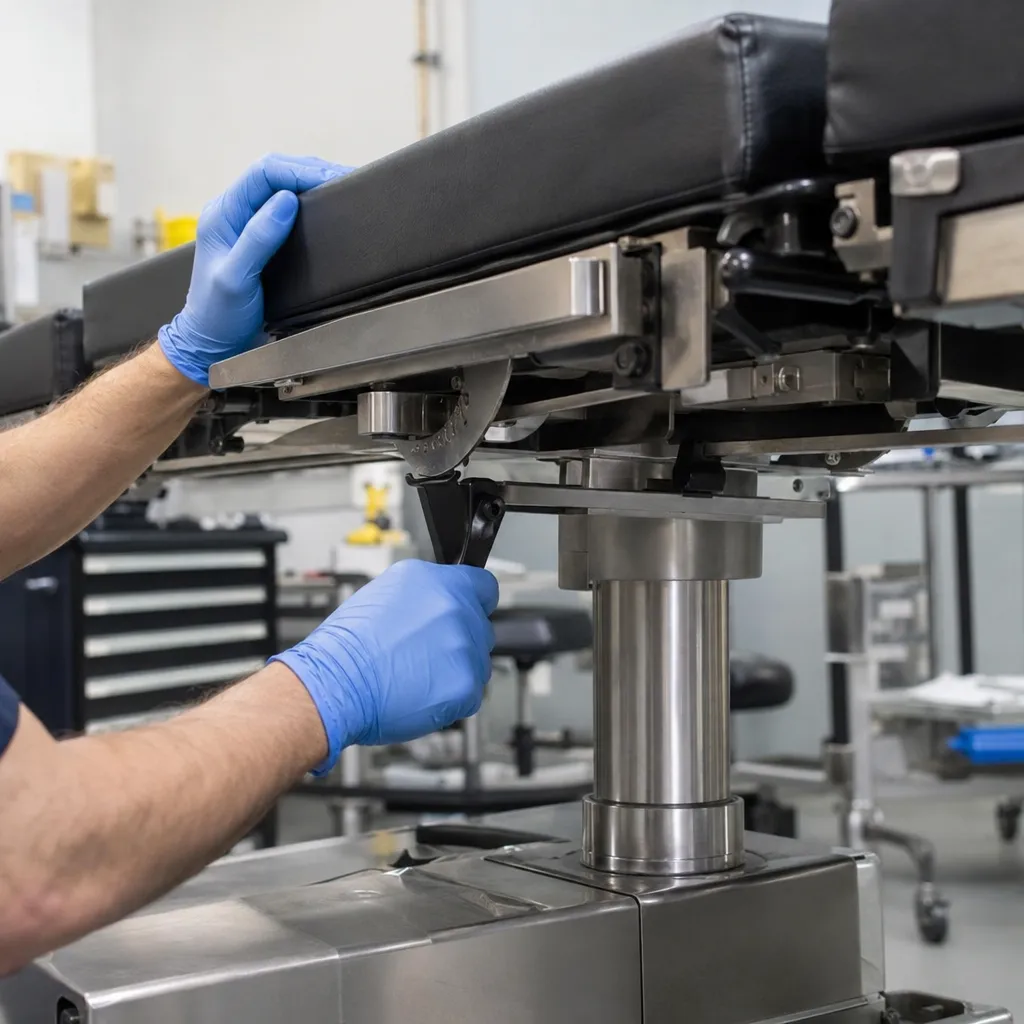
A specialty table becomes more relevant when the same workflow repeats regularly and requires specific sections, supports or attachments. At that point, it is not enough that the table can move through a list of positions. What matters is whether the accessory set for that exact series is available, complete and documented. This is especially important in the used market. You should not rely on broad claims about rails, clamps or armboards without checking the manufacturer’s compatibility information for the exact model.
With imaging-compatible systems, the focus shifts again. Here, the main issue is less the adjustment list and more the geometry of the table, the free access path for the imaging unit and the usable radiolucent section of the top. You should also confirm whether the base, column, cable routing or fitted accessories limit the working area of the imaging system. For that reason, the technical data sheet and manufacturer documentation for the exact model are the most reliable reference points.
If you are replacing or adding several items in the room at the same time, it helps to assess the table as part of the whole setup. Therefore, reviewing available surgical equipment options and other used operating room equipment can make room planning and accessory planning easier.
Which load capacity, positioning and accessory details actually decide the choice?
Many listings look similar at first glance. In practice, a small set of specifications separates a workable option from an unsuitable one. First, always take the permitted load capacity from the technical data sheet of the exact model. Do not rely on dealer copy or on values from a similar-looking series.
Next comes the positioning range. The real issue is not a generic feature list but the mechanically achievable positions of the configuration being offered. That may include height adjustment, longitudinal slide, tilt functions and the segmentation of the tabletop. For procurement purposes, the question is simply whether the table can provide the positioning range your facility requires under its own internal workflows.
The accessory system is just as important. This may include side rails, clamps, armboards, leg supports, head sections, foot plates, pads and adapters. Even so, you should never assume compatibility across models or brands. Instead, confirm the accessory and rail standard against the manufacturer’s compatibility list for that exact table. This matters even more when the table and accessories come from different inventories.
It is also worth checking power and controls. Ask about the condition and age of batteries, chargers, hand controls, foot switches and emergency lowering functions if the model uses them. In used systems, these components often drive follow-up work, downtime or unplanned cost.
Finally, think about the room footprint. A table may be technically suitable and still create daily problems if the base, column position or mobility design interferes with other equipment. So room dimensions, doors, lifts, delivery access and imaging layout should be part of the decision early on. If your room uses an over-the-patient imaging setup, verify the table geometry against that exact configuration rather than against a generic description. The AORN buyer’s guide to OR tables is one useful external reference for table types, weight capacity, imaging and accessories.
What should you confirm before buying an operating table used?
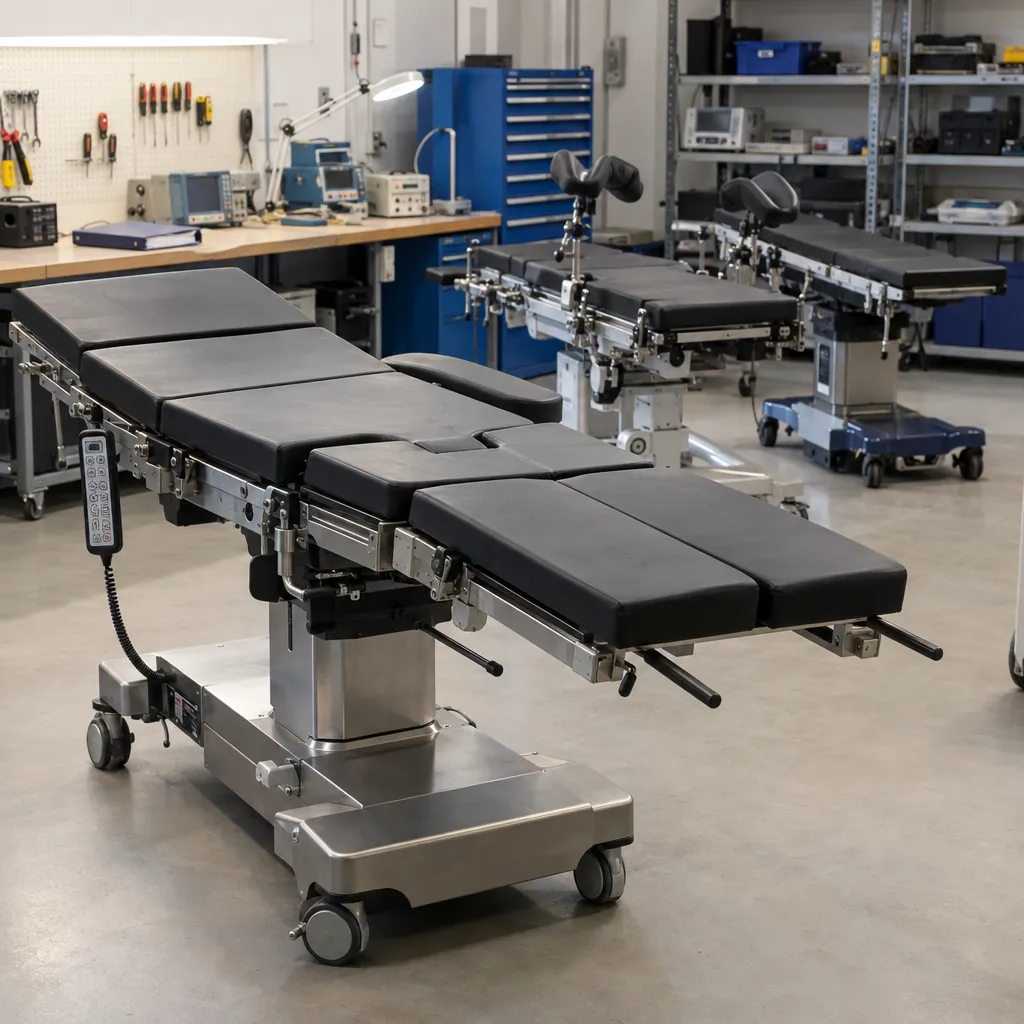
Before you buy a used operating table, written confirmation matters more than broad condition language. Ask the seller to confirm the model designation, configuration, serial number, year of manufacture if available, included accessories and actual delivery scope in writing. Photos should show not only the full table, but also the tabletop, rails, pads, controls, column, base and connection areas.
You should also ask for service and repair history. Clear documentation helps show whether recurring faults, replaced parts or configuration changes are known. In the used market, that is often more useful than a short claim such as good condition. If you need an assessment of maintenance or repair for a table you already own, you can send a request to our repair and maintenance service.
It is just as important to clarify who will handle commissioning, functional checks, electrical safety testing and acceptance testing after delivery. That responsibility sits with the operating facility. In addition, if imaging is part of the intended use in the room, confirm suitability not only from the data sheet but together with the actual C-arm or other imaging system in place. Free access area, radiolucent section and interference contours all need to match the real room setup.
Finally, if the table is part of a wider replacement or expansion project, compare it against the rest of the room rather than in isolation. Looking through the broader shop for used medical equipment can help you map the table decision against other room components before you commit.
Practical summary for buyers
When you review the types of surgical tables on the market, choose the table class first and the listing second. For mixed use, a general table is often the most practical route. For repeated specialty workflows, the decisive factor is usually the accessory system for that exact model. When imaging matters, verify radiolucent area and C-arm access against the actual system in the room. Before buying used, confirm the model, configuration, accessories, documentation and responsibility for post-delivery testing and commissioning. That approach reduces follow-up questions, extra purchases and avoidable downtime.

Ratings and Reviews